





▶︎ Format: Self-paced online course
▶︎ Level: All levels
▶︎ Duration: 2.5 hours
Learn about the new features of Archicad 25, which include innovations and enhancements to our existing tools and workflows to empower teams to create great architecture.
Once logged in, SSA, Forward, Studio, Collaborate, and Max clients are eligible for complimentary access to this item.
You can also buy this course as part of the 'Learn Archicad!' program Subscription Plan.
CHECK THE SUBSCRIPTIONIn this certificate program you will learn in-demand Archicad skills from Graphisoft experts. Learn at your own pace, basic Archicad experience is required.
What you will learn
Faster and more intuitive 2D–3D navigation and modeling workflows
Expanded design flexibility with polygonal openings, stair improvements, and library enhancements
Enhanced graphic control for clearer documentation and visual consistency
Improved visualization with surface textures and Redshift rendering updates
More precise data management with zones, labels, schedules, and component properties
Better MEP integration and model information clarity
Strengthened structural workflows with analytical model updates and refinements
More efficient collaboration through survey points, IFC handling, and Revit/Solibri connections
Table of contents
Column B
Design
• 2D-3D navigation
• Polygonal Openings
• Stair tool
• Library updates
Document & Visualize
• Graphic Overrides
• Textures and Redshift
• Zones and labels
• Schedules and properties
Collaborate
• Structural models
• Survey Points
• RFA/RVT and Solibri
• IFC export
Software requirements
To follow the demonstrations during this training, participants need to have Archicad 25 installed. If you don't have Archicad yet, contact our local partners.
For the sections marked with "Update 2 content", the latest update of Archicad 25 needs to be installed (at least build 4006).
For the Solibri Connection Enhancement Section, Archicad 25, Solibri and Solibri Connection are required for a full experience.
Access time frame
Access to this program is available for as long as you have an active Learn Archicad! subscription, and your use of the program is subject to the applicable subscription terms.
Have questions?.
Visit us at support.graphisoft.com
Here is the course outline:
1. What's new in Archicad?We, Graphisoft, believe in the continuous innovation of our products and services. Therefore, we perfect our tools and workflows in each Archicad version to empower teams to create great architecture. |
2. DesignDesign freedom to create great architecture. Localize selected elements when switching between 2D and 3D views without re-selecting the elements. Get precise documentation sets and accurate quantities estimations with the enhanced Opening Tool. Create custom stairs that comply with specific local standards. Bring your interior designs to life thanks to our expanding library of 3D Objects that follow the latest residential and commercial design trends. |
3. Document & VisualizeDocumentation that follows your design & Visual presentation of great design. Get more accurate building materials schedules and cost estimations thanks to new ‘gross’ and ‘conditional’ area and volume properties. Graphic Overrides are more flexible than ever, thanks to new options to choose custom RGB colors for Surface and Fill Background Pen overrides. Display the same Textures on Sections, Elevations, and Interior Elevations as seen in the 3D window. Enjoy the benefits of the newly integrated GPU based rendering engine: Redshift. |
4. CollaborateCollaboration between Architects and Structural Engineers can now happen without Loads' data loss. Architecture starts with collaboration. Eliminate collaboration inconsistencies with the new Native Survey Point (NSP). Set one survey point for your project — then get ready to focus on your design. Import RFA as a native Archicad Object and create MEP equipment from Revit Family Files thanks to the built-in Revit file format exchange. Automated code- and constructibility checking using Archicad-Solibri Connection add-on. |
5. ConclusionThank you for completing the Archicad 25 Upgrade Training. This module will summarize the topics we have covered with the most essential enhancements and their benefits. |
Completion
The following certificates are awarded when the course is completed:
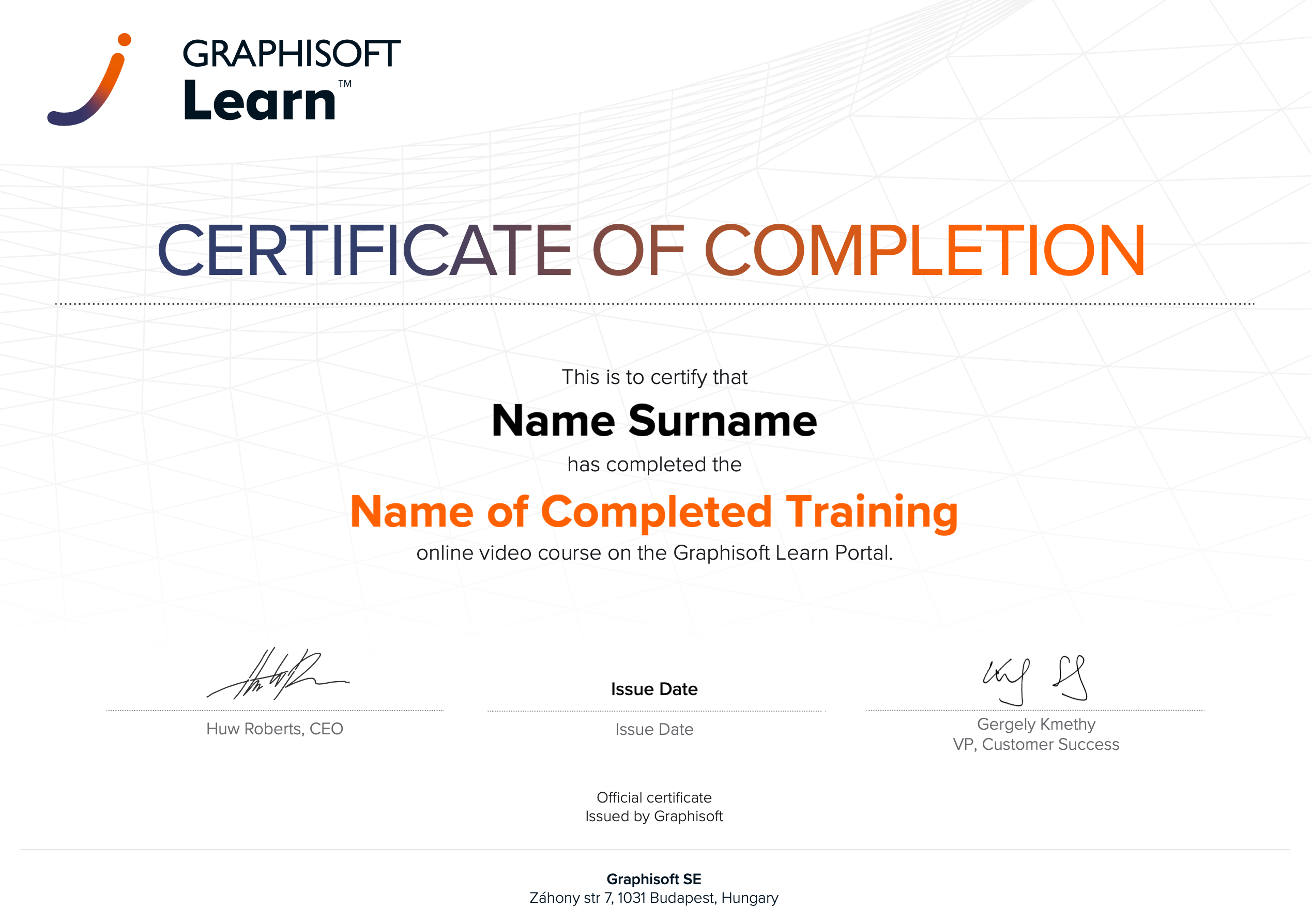 |
INT_Certificate of Completion - Online Video Course |